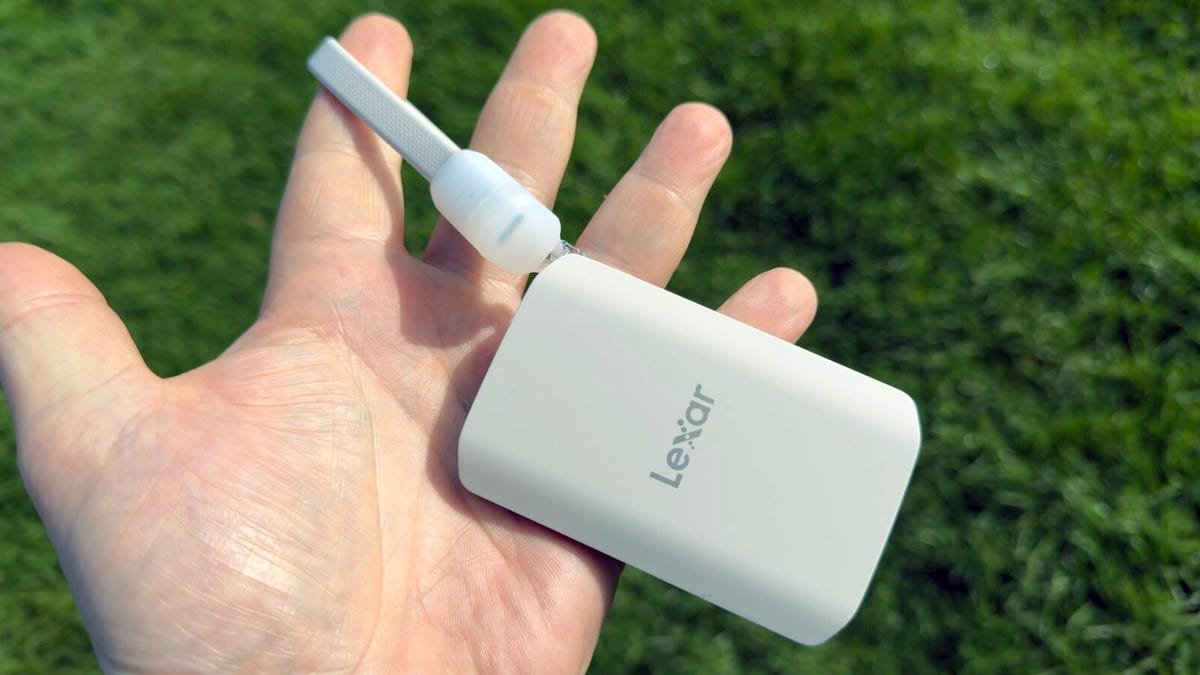
The best external hard drives of 2026: Expert tested and reviewed
External hard drives aren’t the most exciting pieces of technology, but they’re indispensable for backing up or recovering important data.
Choosing the right external hard drive can feel overwhelming given the variety of options. Below, we break down the key factors to consider when selecting an external hard drive to meet your needs.
Reliability
This is one of the most critical factors when choosing an external hard drive. Choose drives from reputable brands known for their durability and performance.
While hard drives are generally reliable, they do have a finite lifespan, as does any hardware. Most external hard drives are expected to last about five to seven years with proper use, after which replacement is recommended to avoid data loss. Regular backups and monitoring the drive’s health can further ensure reliability.
Features
External hard drives come with a variety of features to suit different needs. Some of the most notable features include:
- Hardware encryption: Automatically encrypts all data on the drive for enhanced security.
- Water and dust resistance: Ideal for users who need extra protection in rugged environments.
- Drive redundancy: Some drives support RAID (Redundant Array of Independent Disks), which duplicates data across multiple drives for added protection against failures.
- Connectivity: External hard drives come with different connectivity options, such as USB-A, USB-C, or Thunderbolt. If you have a preference, keep this in mind,
Capacity
Storage capacity is a key consideration. External hard drives are available in a wide range of sizes, from 500GB to 20TB or more. Choose a capacity that aligns with your needs:
- Casual users: A 1TB or 2TB drive is sufficient for storing documents, photos, and videos.
- Professionals or data hoarders: Larger capacities — 4TB and above — are better for storing large files, such as video projects or extensive backups.
Avoid overpaying for storage you won’t use, but also ensure you have enough space for future needs.
Desktop vs Portable
External hard drives come in two main form factors:
- Portable drives (2.5-inch): Lightweight and compact, these drives are powered via USB and are ideal for users who need to carry their data on the go.
- Desktop drives (3.5-inch): Larger and typically require an external power source, these drives are better suited for stationary use, such as at a desk or as part of a home backup system, but might not travel well.
Choose based on whether you need portability or a more permanent storage solution.
Encryption
Data security is increasingly important, especially for sensitive information. External hard drives offer three encryption options:
- No encryption: Basic drives without built-in security.
- Software encryption: Requires an application to encrypt and decrypt files.
- Hardware encryption: Automatically encrypts all data on the drive, offering the highest level of security.
If you handle sensitive data, hardware encryption is highly recommended, and in some industries it may be mandatory.
Performance
The speed of your external hard drive depends on its interface and type:
- Interface: USB 3.0, USB 3.1, USB-C, and Thunderbolt are common options. USB-C and Thunderbolt offer faster data transfer speeds, making them ideal for large file transfers.
- Drive type: Solid-state drives (SSDs) are faster and more durable than traditional hard disk drives (HDDs), but they are also more expensive. HDDs, on the other hand, offer larger capacities at a lower cost.
Price
External hard drives are available at a wide range of price points. Budget-friendly options are great for basic storage needs. Premium drives cost more because they include advanced features like SSDs or hardware encryption. It’s important to balance your budget with your storage and feature requirements.
Other considerations
- Brand reputation: Stick to trusted brands like Seagate, Western Digital, or Samsung for quality assurance.
- Warranty: Look for drives with a solid warranty, typically two to five years, to protect your investment.
- Compatibility: Ensure the drive is compatible with your operating system and devices.